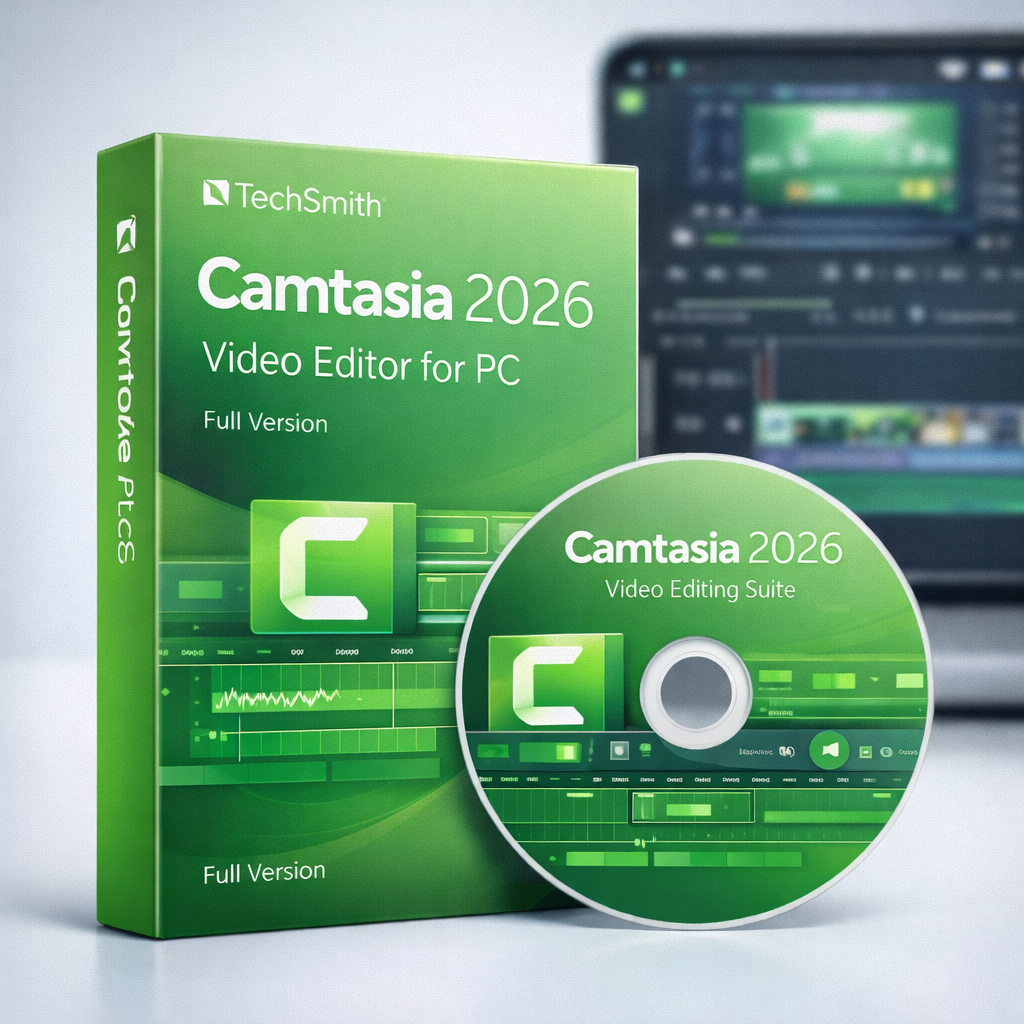
Description
Create clear, professional videos with ease using Camtasia for PC. Built specifically for screen recording and video editing, Camtasia is the perfect tool for educators, trainers, content creators, and businesses that want to explain ideas visually without complicated workflows.
From tutorials and online courses to product demos and presentations, Camtasia helps you record, edit, and publish high-quality videos quickly and efficiently.
Key Features
High-Quality Screen Recording
Record your screen, webcam, and system audio in crisp quality — ideal for tutorials, demos, and walkthroughs.
Simple, Powerful Video Editing
Trim, cut, split, zoom, and enhance clips with an intuitive drag-and-drop timeline.
Built-In Animations & Effects
Add callouts, transitions, cursor effects, and annotations to keep viewers engaged.
Audio Enhancement Tools
Reduce background noise, balance audio levels, and improve voice clarity easily.
Templates & Assets
Speed up production with ready-made templates, titles, lower thirds, and visual elements.
HD & 4K Export
Export videos in high resolution for YouTube, online courses, websites, and presentations.
No Watermark
Enjoy clean, professional videos without distracting watermarks.
Why Choose Camtasia?
-
Designed for screen recording and teaching
-
Easy to learn, even for beginners
-
Perfect for tutorials, courses, and explainer videos
-
Saves time with built-in tools and templates
-
One-time affordable price of ₦10,000
Perfect For
-
Educators and online instructors
-
YouTubers and content creators
-
Software trainers and coaches
-
Businesses creating demos and training videos
-
Anyone recording and editing on a Windows PC
With Camtasia Video Editor for PC, you can turn ideas, lessons, and workflows into clear, engaging videos — without stress or complex editing tools.

Reviews
There are no reviews yet.